
Capture the order
Start at the counter or from a table QR menu; select items and variants against the branch menu.
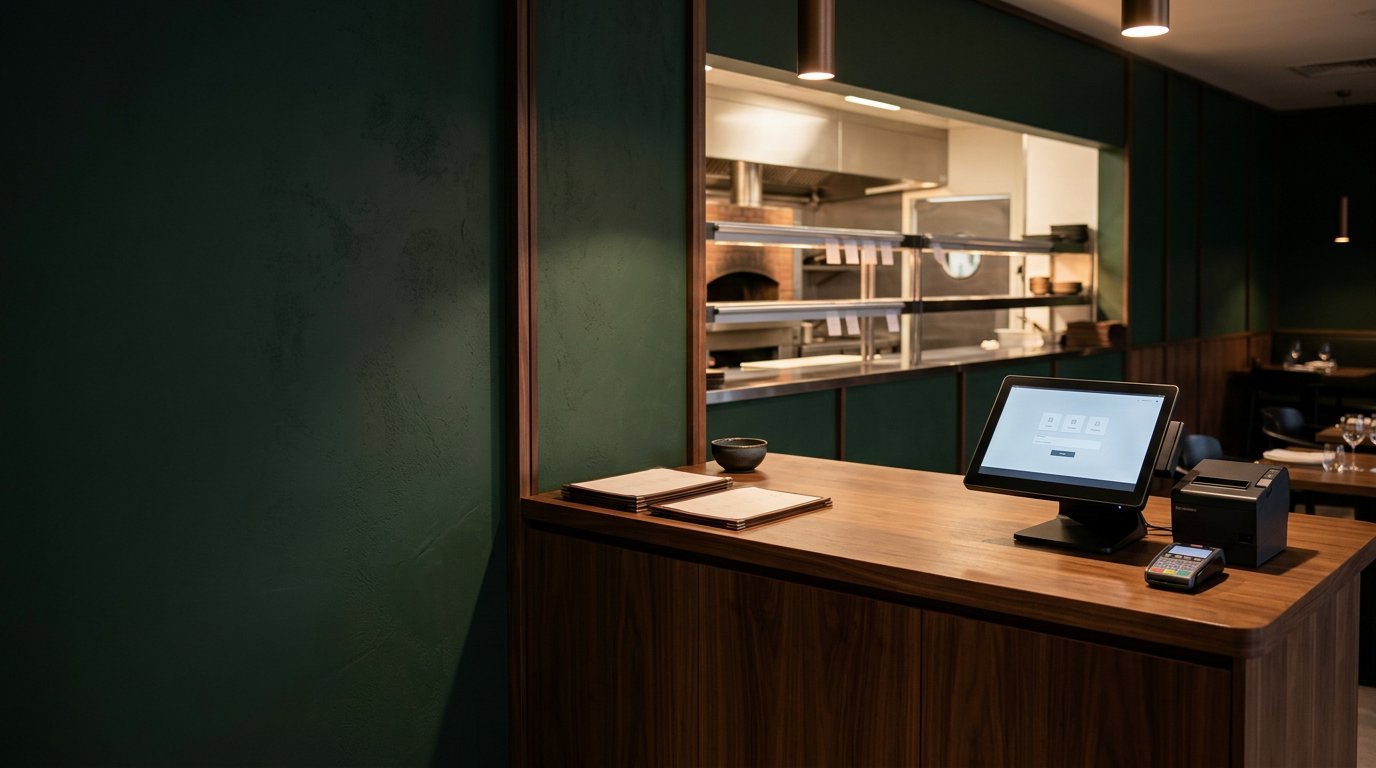
Bring counter billing, orders, kitchen flow and branch operations into one practical workspace.
Explore the operational tools included in the current product. Availability and access can depend on setup and plan.
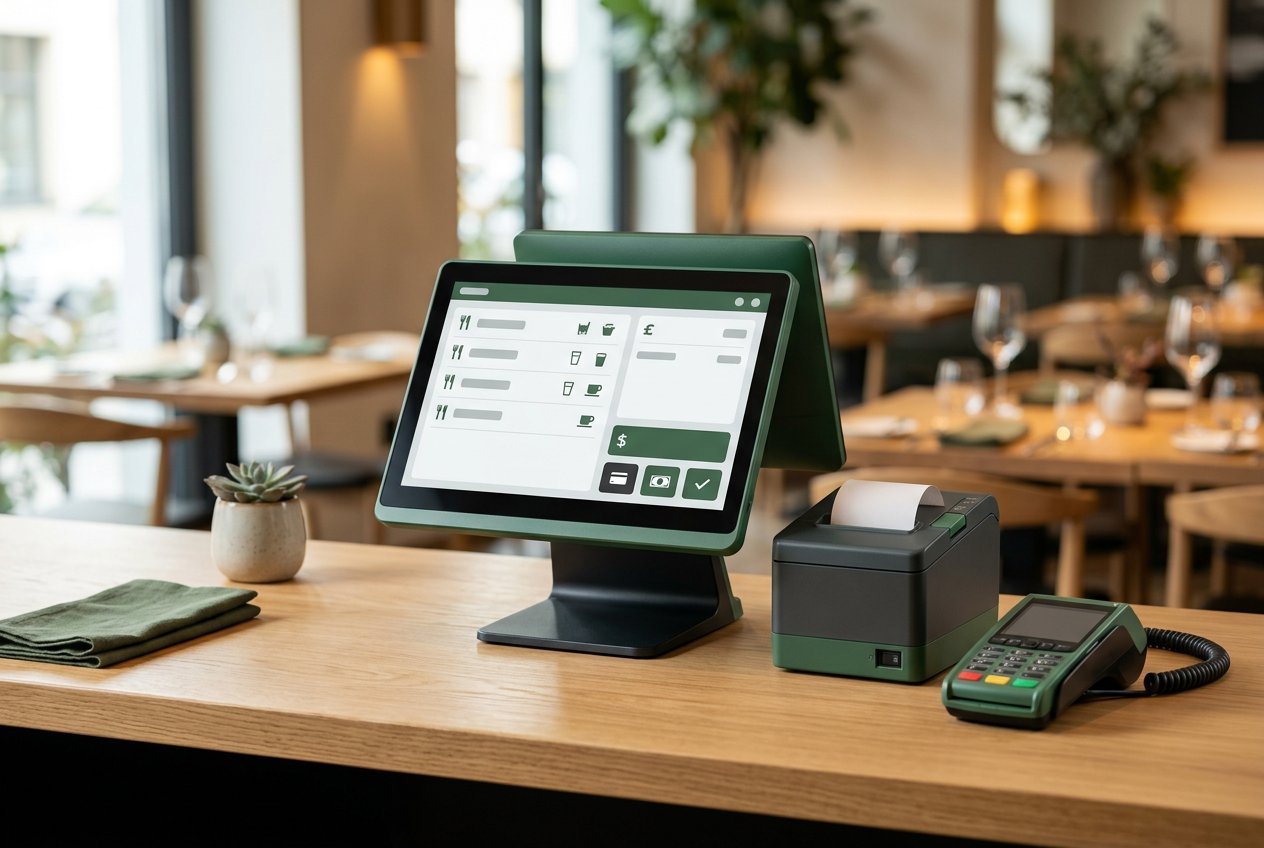
Build orders, adjust quantities and record payments from a focused counter workflow.
Explore feature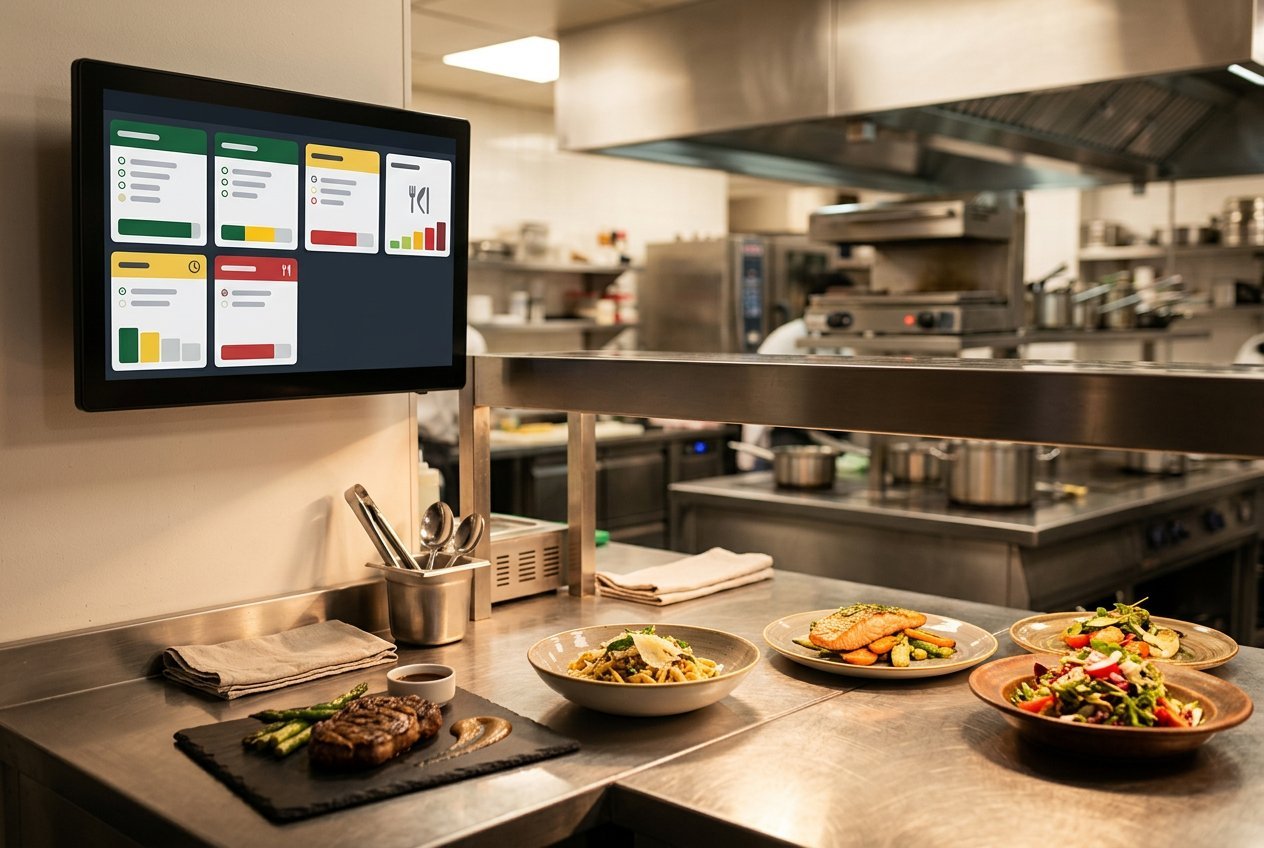
Keep order entry and kitchen preparation connected across the restaurant.
Explore feature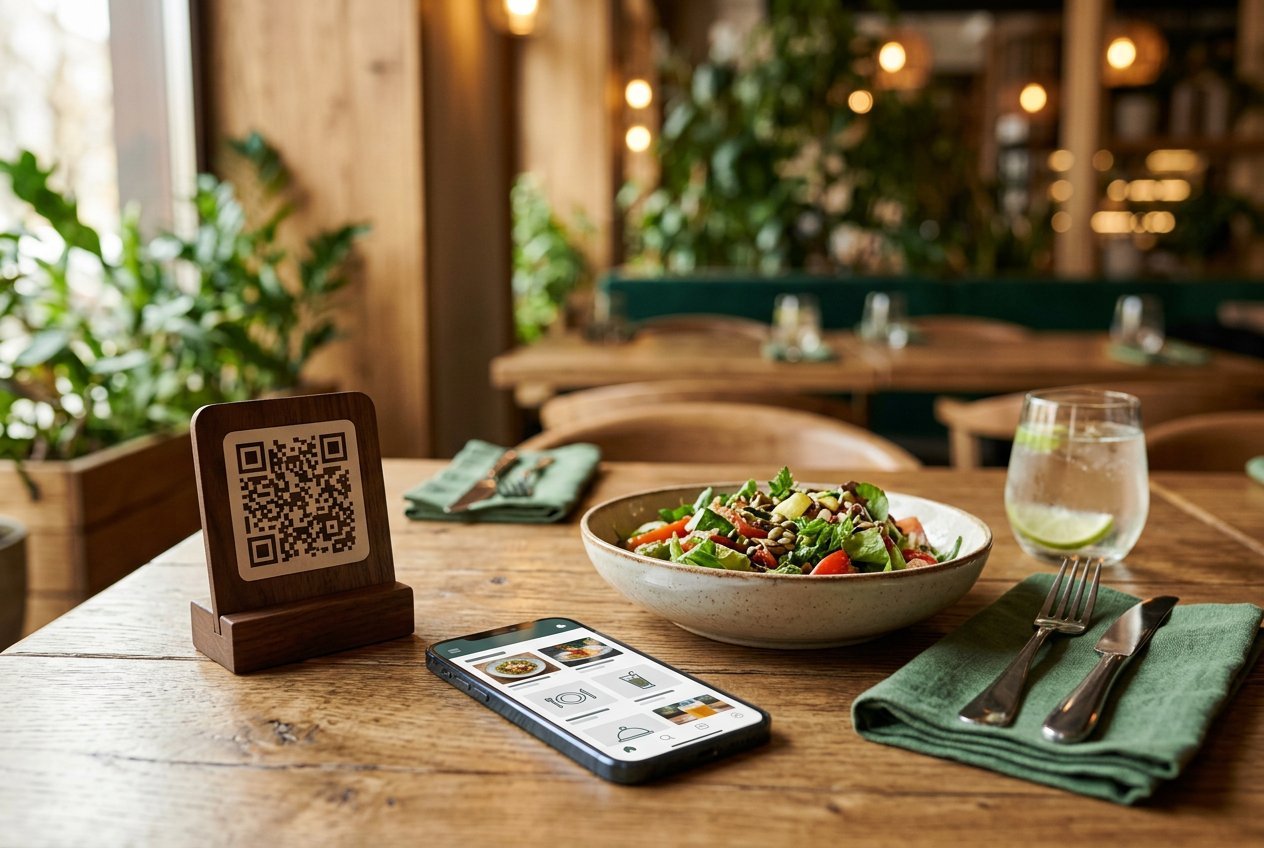
Give guests a direct route from a table QR code to the restaurant menu.
Explore feature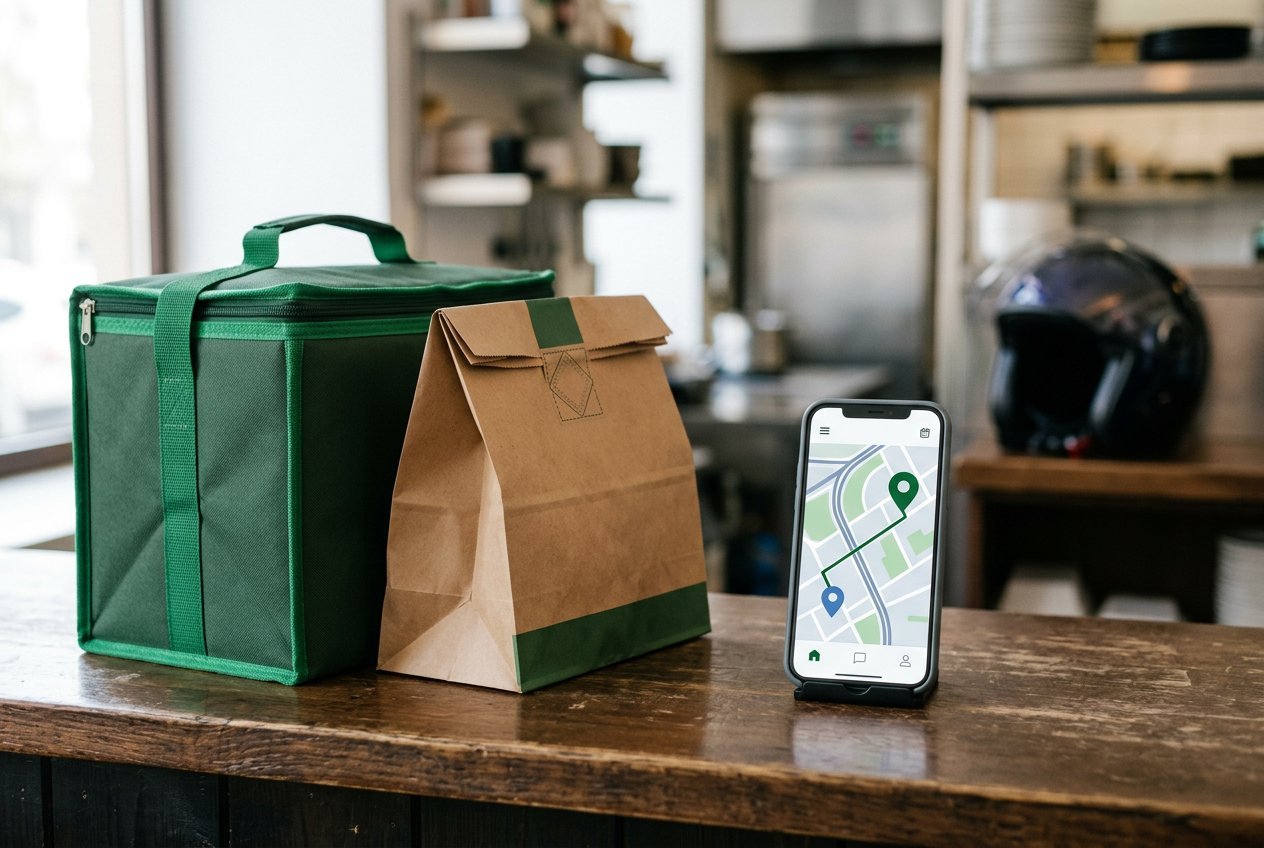
Assign active branch riders and give riders a focused view of their own deliveries.
Explore feature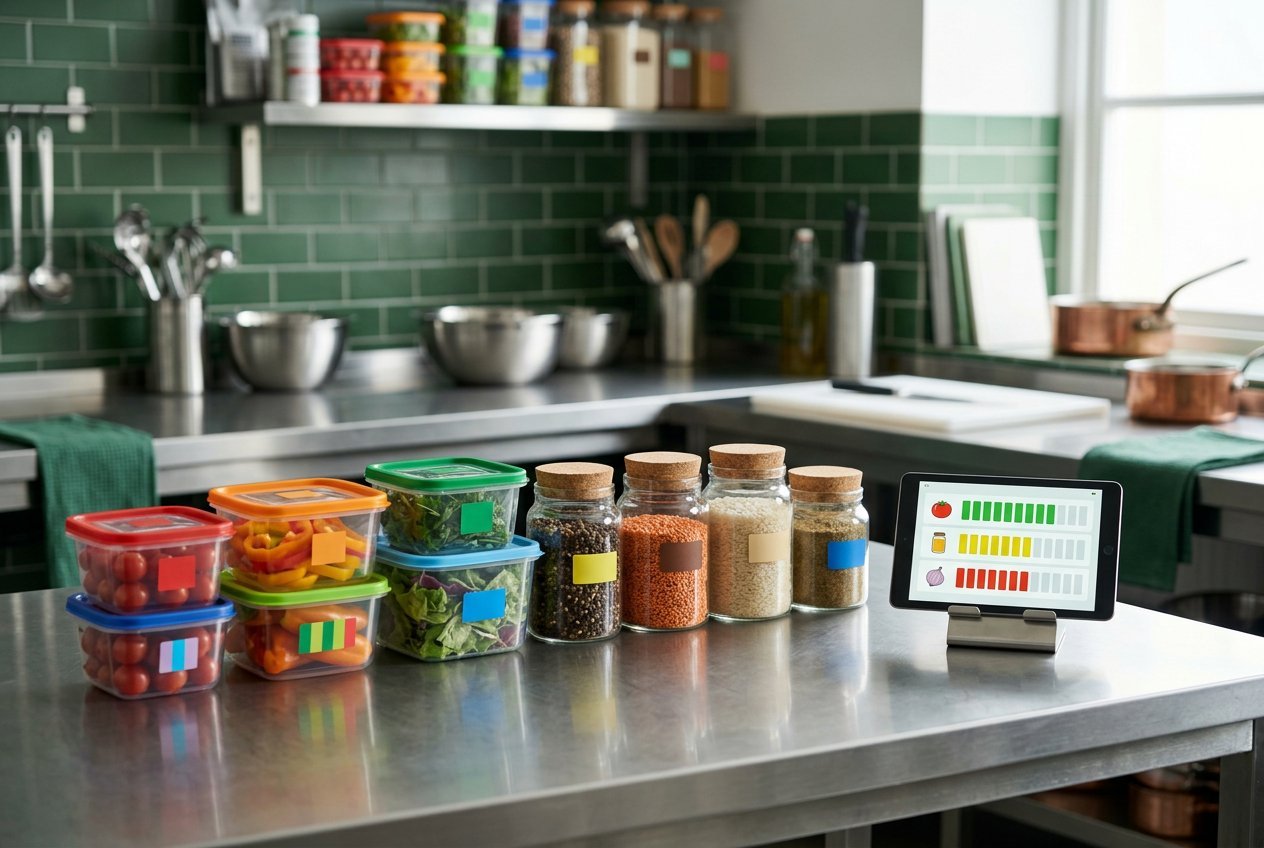
Track ingredient stock movements, adjustments and low-stock attention.
Explore feature
Keep owner reporting and role-scoped team operations in the same system.
Explore featureGuests can browse branch menu items, choose available variants, review a cart and send an order request without creating a customer account. Staff confirm and manage the order in the restaurant workflow.
Explore table QR orderingGive each team member a focused view while keeping the order details together.
Start at the counter or from a table QR menu; select items and variants against the branch menu.
Send work into kitchen and delivery views with role and branch scope applied.
Keep payment history, balance, order state and sold-item reporting attached to the order.
Prices and limits below come from active platform plan records. Ask the team to confirm fit and setup.
Demo plan created by the one-time importer. Replace the pricing before selling it.
Request a walkthrough and discuss your restaurant's setup with the team.